






First Major App Update in 2026.
🔹 Better Connectivity: We improved connection stability to ensure reliable data updates even on slow or restricted onboard WiFi networks.🔹...
PlanningCharts App
Access our high quality aviation charts anytime with our dedicated apps for iOS, Windows and Android.




Our App
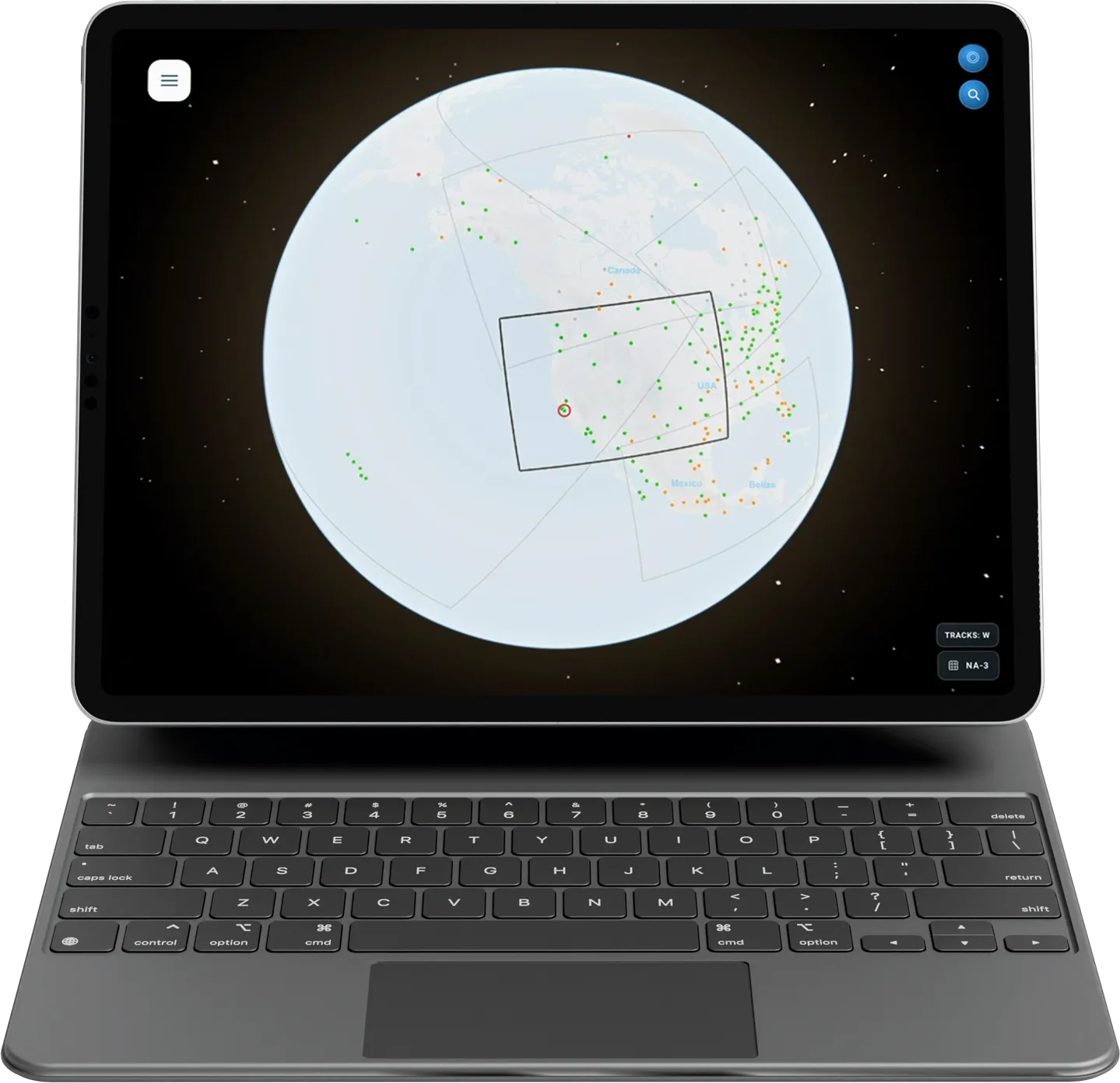
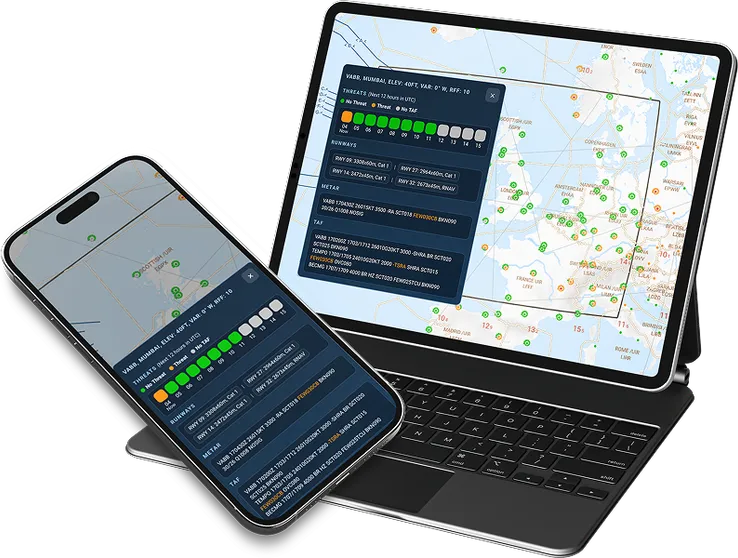
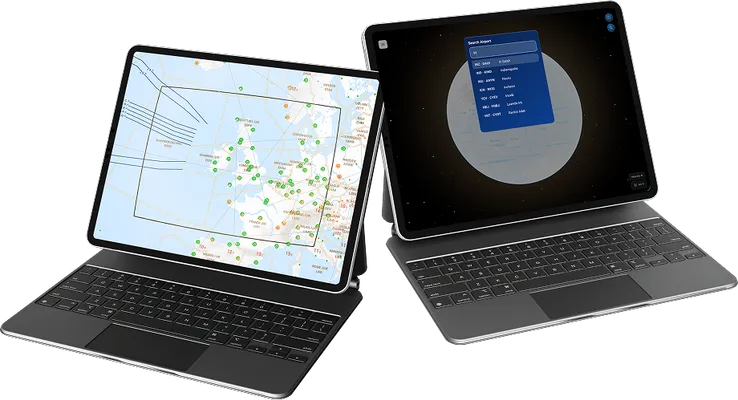
Everything you need for every flight, in one interactive 3D globe. Instantly access airport charts, live NOTAMs, weather, procedures, and operational data all in one place.
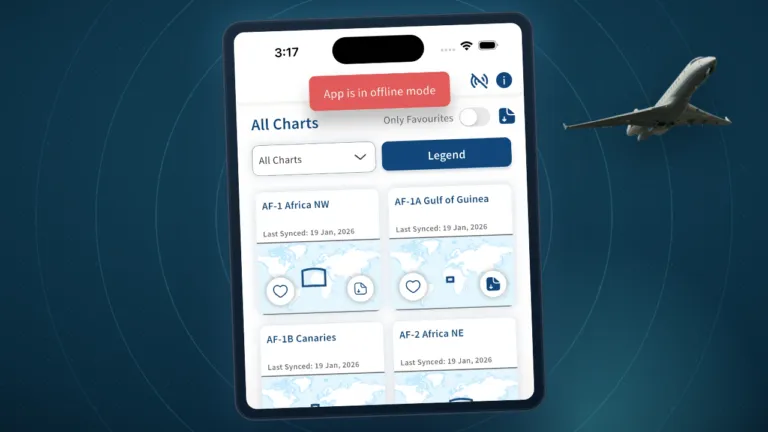
Enable automatic downloads of the latest charts to ensure you're always equipped, even without an internet connection - ideal for use in-flight or in remote areas.
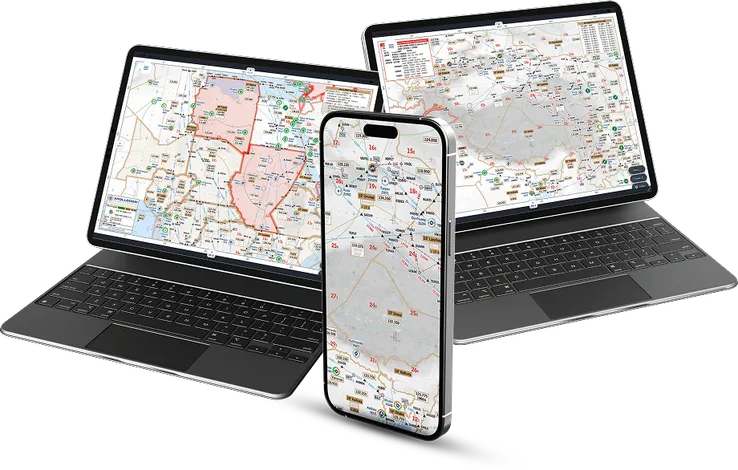
Dive into each chart with a dedicated viewer that supports directional navigation and sub-chart access - quickly switch between eastbound and westbound views with ease.
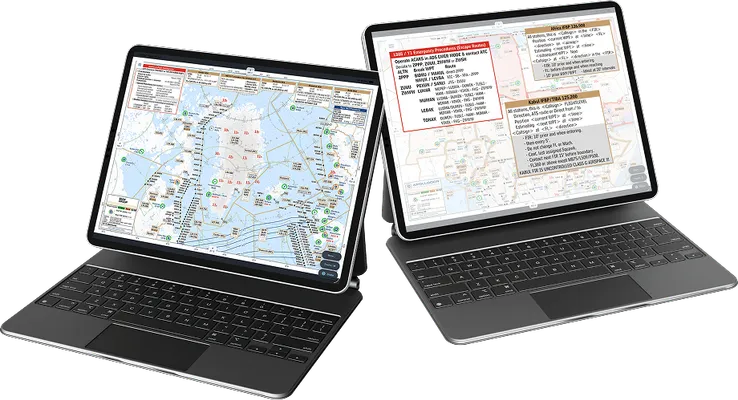
Add your own flight notes, highlights, and directional guidance directly to charts - tailor them to your needs for better situational awareness and pre-flight planning.
Trusted Worldwide
PlanningCharts App
Get Started
App Updates
🔹 Better Connectivity: We improved connection stability to ensure reliable data updates even on slow or restricted onboard WiFi networks.🔹...
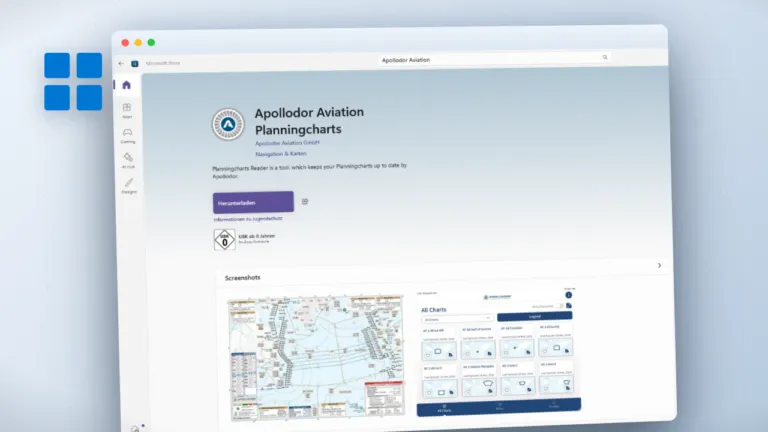
You can now download our brand-new App for Microsoft Windows directly in the Microsoft Store.Our App is now available on...
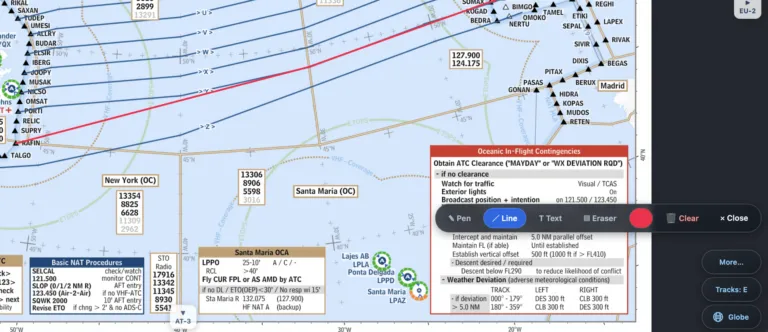
🙌 We listened to your feedback! Today we added a new feature: you can now draw lines directly in the Notes function — ideal for sketching your route and keeping it visible at
Pilot Stories
Your charts were the best and I always found them very useful on all my flights.
The charts are incredibly well-designed, delivering exactly the information professional pilots need at a glance. With their clear layout and operational focus, they make flight preparation faster, easier, and more reliable.
I have been using these charts on and off since Gerd Puppel started posting them. I now mainly use them during route training or heavy crew rotation for an improved situational awareness. I have taken a year's subscription for the charts, there is a lot of potential in your project.
I've enjoyed your charts for many years for free. Happy to provide some compensation for the demanding work and valuable tools.
I‘m currently flying in the middle east and I just got the chance to use one of your charts (provided by a colleague and costumer of yours) on a flight to Auckland! The chart helped us a lot with the HF frequencies down there in Brisbane and Melbourne! I loved the presentation, the information and how often you updated!
I downloaded your charts yesterday before my LAX-LHR sector and I have to say that I found them a great tool for improving situational awareness, with the information presented in a simple to interpret format. They are a bit like our old paper flight progress charts but with the bonus of being updated daily and with the NAT tracks overlaid. I found myself referring to your charts more often than to the official enroute map.
Beautifully simplified charts with all the essentials — no distractions, just pure usability. Ideal for efficient planning of my north atlantic flights. You made my NAT crossing so easy.
Trusted Worldwide

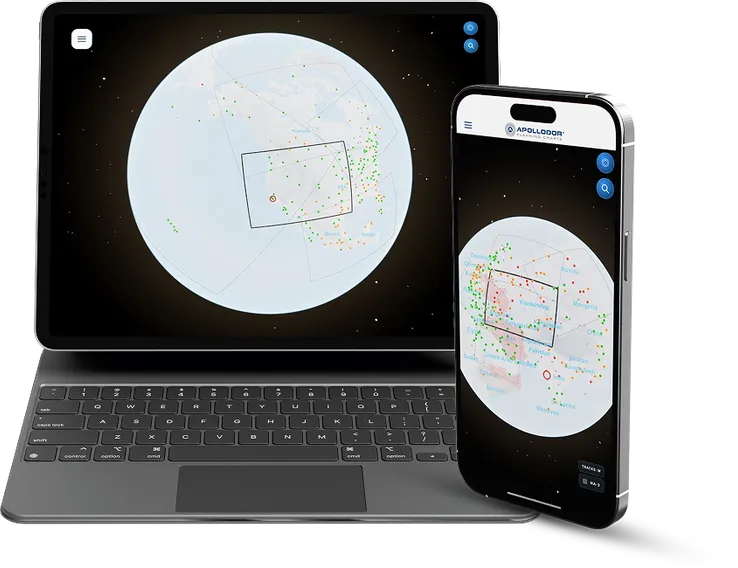
PlanningCharts runs on Desktop, Tablet, and Mobile, so you get a seamless experience across all platforms under one account – plan on your laptop at home, then pick up the same account on your tablet in the crew room.
Yes. It’s built to support professional use across Desktop, Tablet, and Mobile with one account, so it fits into a working pilot’s routine regardless of which device is at hand at the time.
Yes – you’re allowed to install the app on multiple devices under the same account (e.g. phone and tablet, or personal and work device).
Navigation is touch-based: pinch to zoom, drag to rotate, and tap any airport to open its detail view (threats, runways, METAR/TAF). Swipe-mode navigation moves you between adjacent charts once you’ve tapped into a chart. If you want a guided walkthrough instead of exploring on your own, the app includes a built-in tutorial that covers globe navigation step by step.
Tap the screen and the navigation buttons appear – this is swipe mode. You can then either tap those buttons or drag them to move to the next adjacent chart. Each chart gives you a button in each cardinal direction, letting you move to the next chart in that direction with a single tap. Where a chart has a corresponding sub-chart or destination chart – for example Eastbound or Westbound routings – blue buttons take you straight into it.
Data updates in real time. The Globe syncs live with Lido, so threat indicators, weather, and NOTAMs reflect current conditions rather than a periodic refresh.
Yes, You can use the app for free with limited content, and there’s also a 3-day free trial that gives you full access before you decide to subscribe.
Yes. Content is always saved locally, so there is nothing you need to do to enable offline access – it is available automatically whenever you are offline. Every time you open the app it checks for new charts and, if there are any, updates the ones you have already downloaded. You can also start a manual download of all charts with the button in the top right of the main screen. A chart that is available offline is marked with a blue download button in its preview, and you can download or delete a single chart using the download button on its thumbnail.
To provide the best experiences, we use technologies like cookies to store and/or access device information. Consenting to these technologies will allow us to process data such as browsing behavior or unique IDs on this site. Not consenting or withdrawing consent, may adversely affect certain features and functions.
Choose what may run. Necessary cookies keep the site working and cannot be turned off.